How to connect a Smoke Machine using SwitchBot
Learn how to connect a smoke machine using the SwitchBot integration
Written By Guillaume
Last updated 8 months ago
What you need
All the things you need are available here.
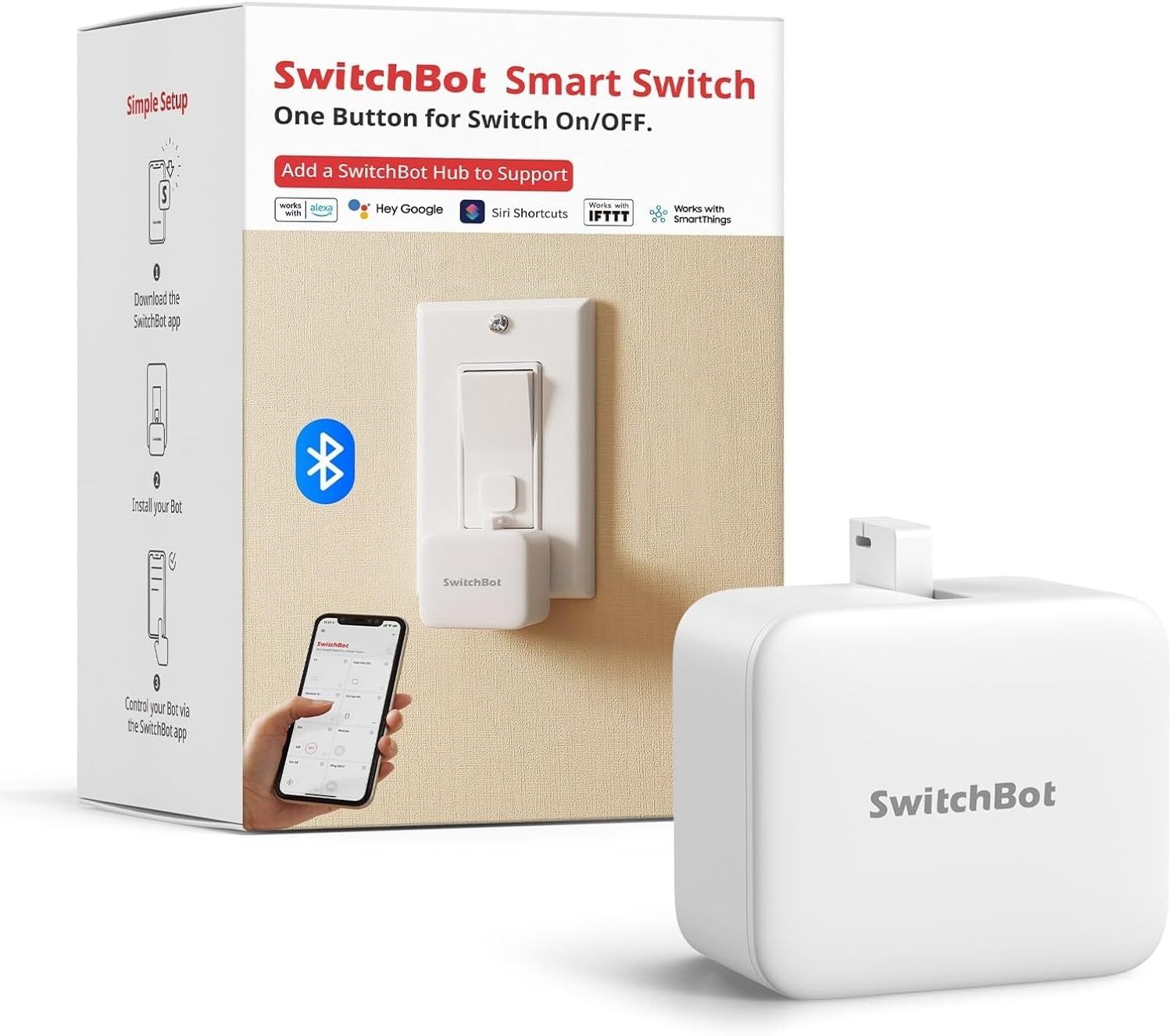
SwitchBot Bot
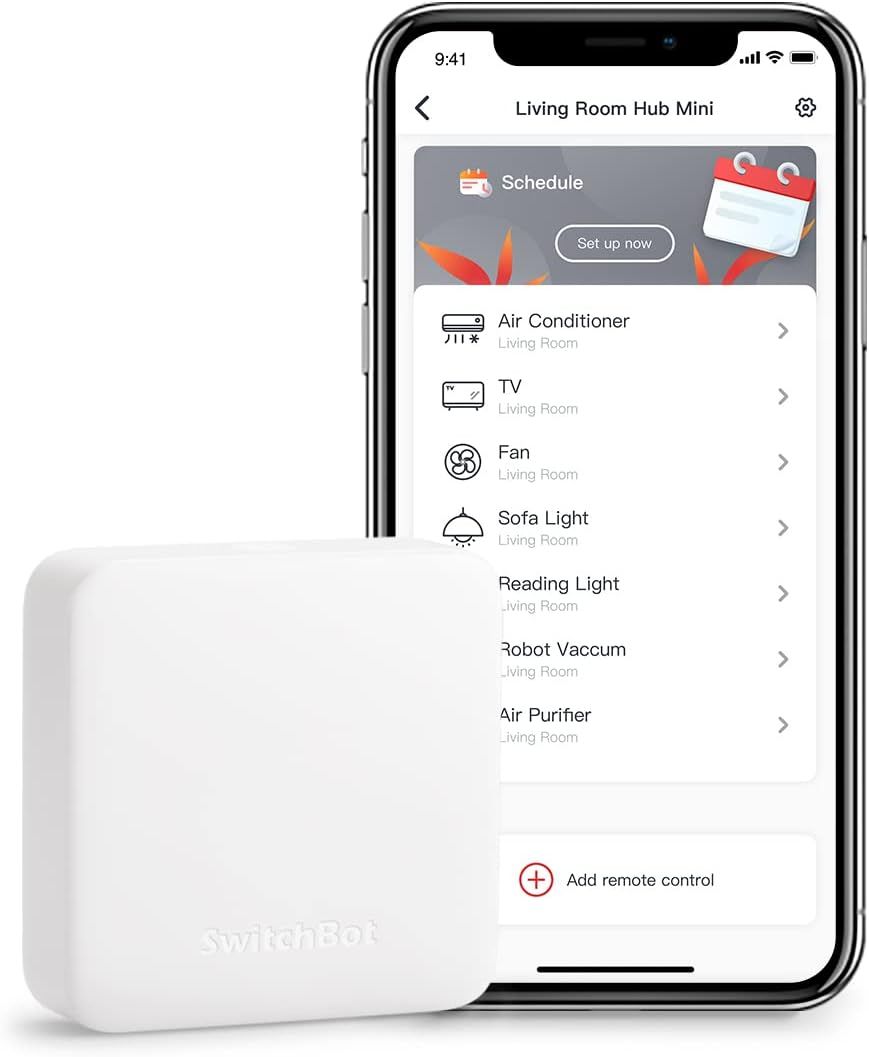
SwicthBot Hub
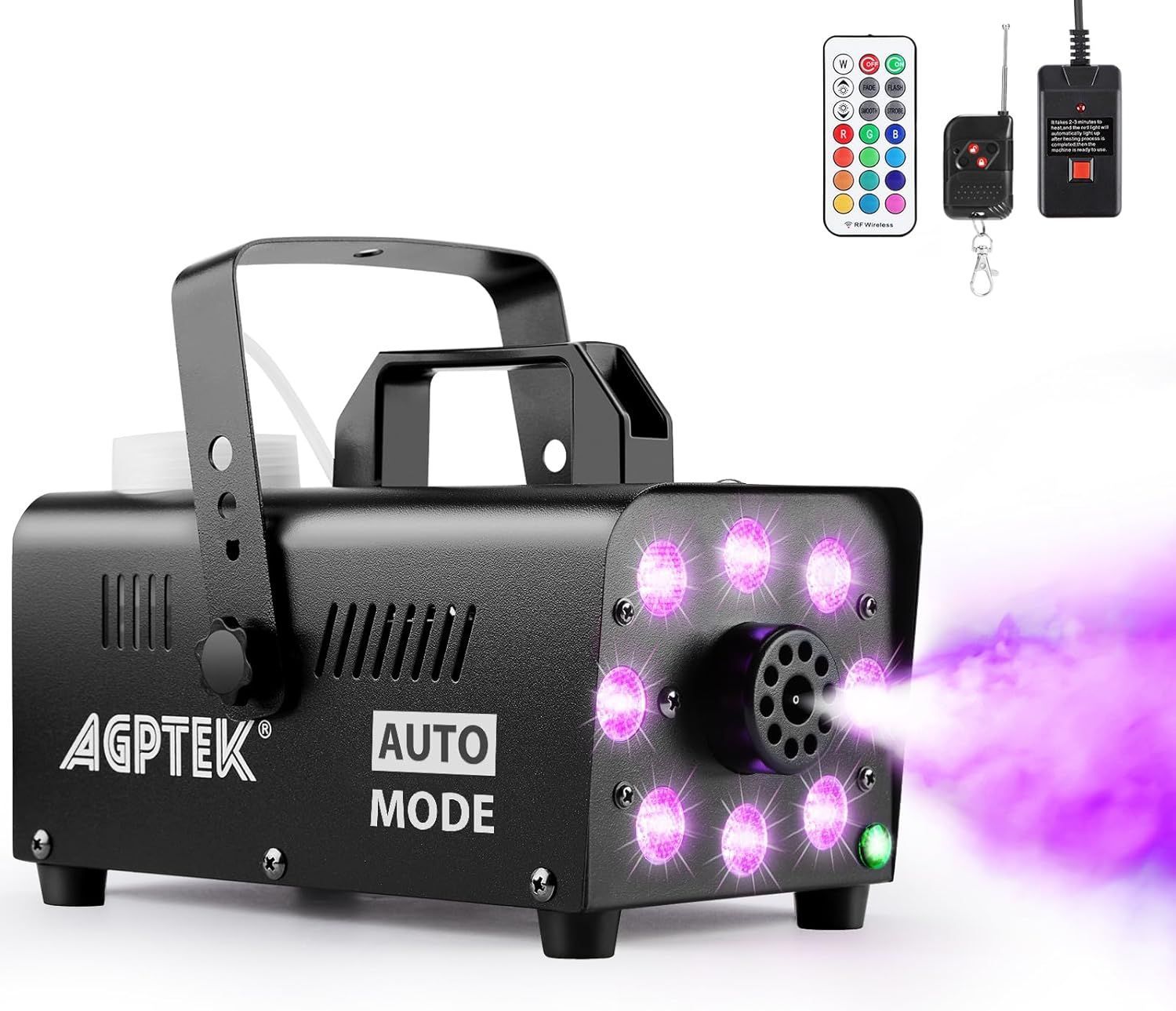
A smoke machine with a press button
Connect the SwitchBot integration
Install the SwitchBot app on your phone
Create a SwitchBot account that is required for ConnectedRoom to communicate with your hub.
Pair your hub in the app
Pair your Bot in the app
Go to the Profile tab in the SwitchBot app
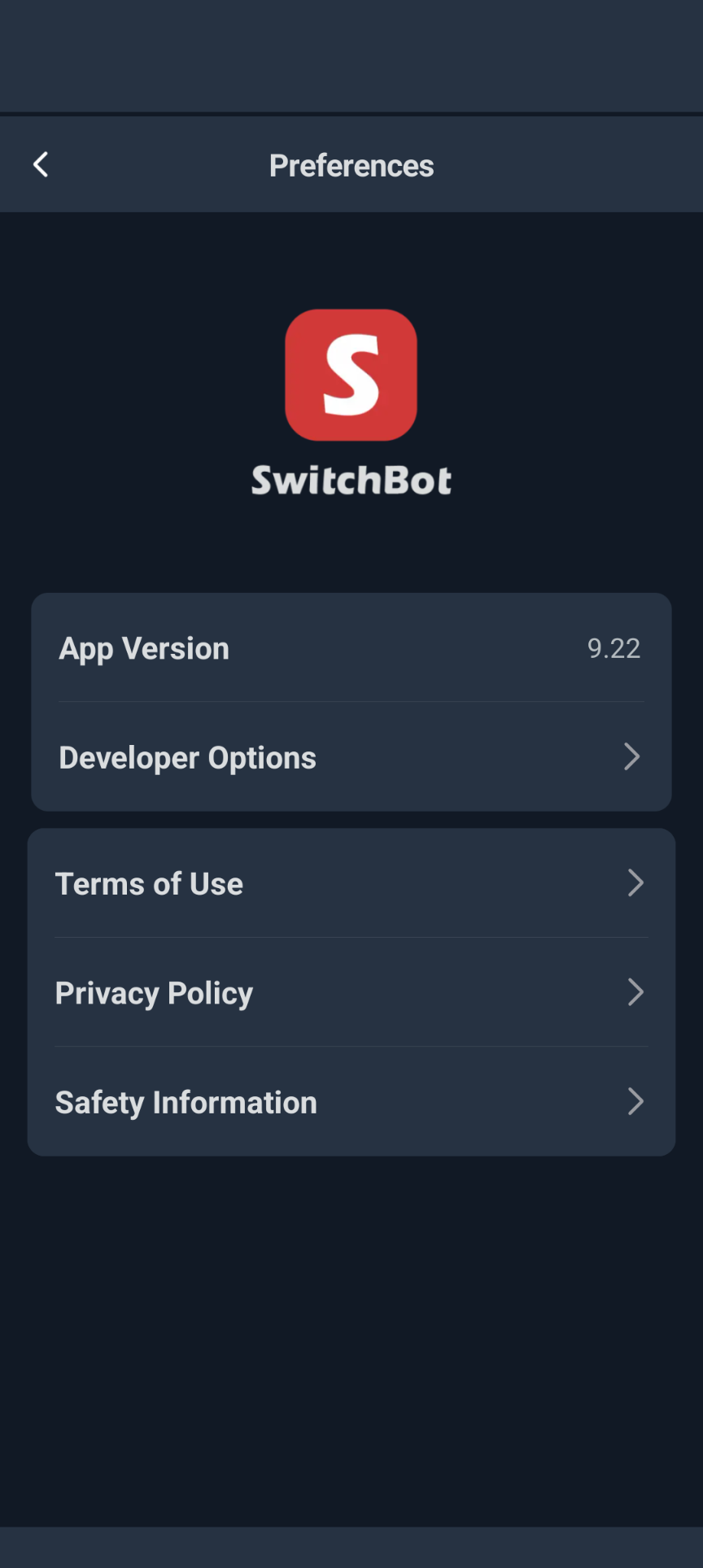
Go to Preferences, and then About
Find the place it stating the SwitchBot app version
Tap 10 times on the version to enable Developper Tools
Navigate to Developer Tool
Use these informations in ConnectedRoom when connecting the SwitchBot integration.