How to edit a team's colors and audio
Learn how to edit a team in ConnectedRoom to update the colors & audio tracks.
Written By Guillaume
Last updated 8 months ago
Edit a team’s colors
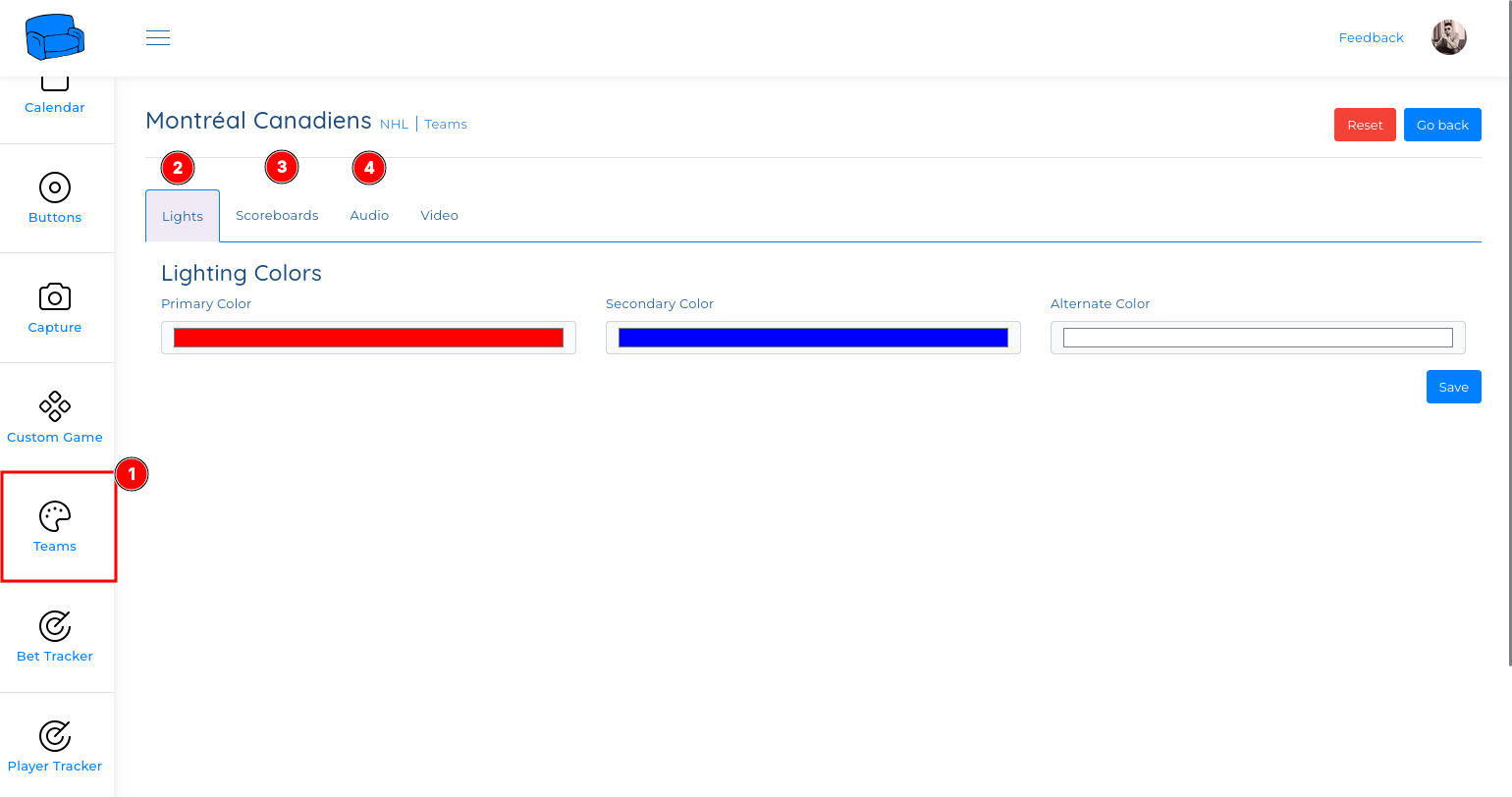
If you do not like the colors displayed on your lights, you can update the colors of every team:
Navigate to Teams in the menu
Select the team you want to edit
You can edit Lights colors (2) and the Scoreboard colors (3)
If your lights are displaying a pinkish color for reds, editing the color to a better red will resolve the issue
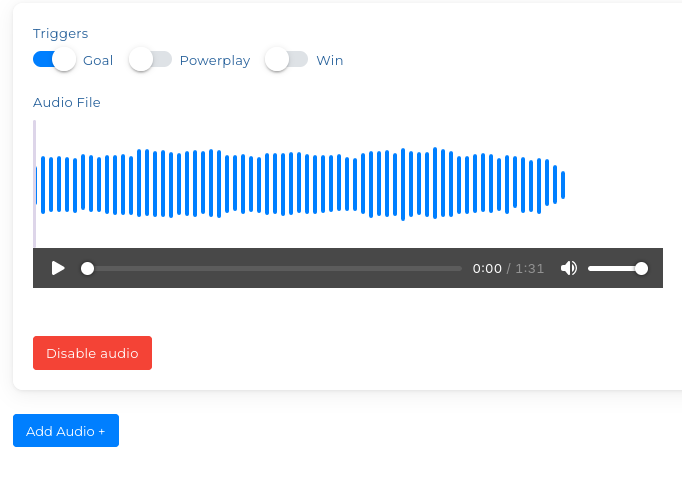
Edit a team’s audio track
If you want to update the audio track of a team, you can do the following:
Navigate to Teams in the menu
Select the team you want to edit
You can edit Audio in the Audio tab