Tier indicator: Learn about the different performance tiers in ConnectedRoom
Written By Guillaume
Last updated 6 months ago
ConnectedRoom supports many leagues. That being said, it would be unfair to say each league has the same performance and supported features. Learn about the different tiers inside ConnectedRoom and get the right expectations for each league.
How to know the performance of a league
Each league has an indicator describing the expected performance and amount of supported features.
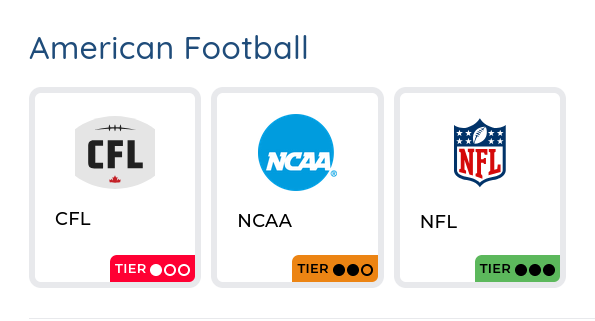
What are the different tiers?
Here is a look at all the tiers and what they mean.

Speed: Fast
Supported features: All
Expected latency: None
Clock: Real-time
Data accuracy: Best

Speed: Normal
Supported features: Most
Expected latency: Some
Clock: Real-time for some games
Data accuracy: Normal

Speed: Slow
Supported features: Basic
Expected latency: There will be latency, buttons recommended
Clock: It would be a miracle to have a real-time clock
Data accuracy: Data is partially available, things like player cards, standings and announcers most probably won’t work.

Speed: No automation
Supported features: Scoreboards only
Expected latency: Buttons required
Clock: No clock
Data accuracy: Teams and logos only, no score

Speed: Dedicated team monitoring the entire league/event. Speed will be at the best possible
Supported features: More than other leagues. Custom development has been done for that specific league/event
Expected latency: You will get spoilers if you do not use the delay system. Data access is unparalleled
Clock: As real-time as it can get
Data accuracy: Dedicated team monitoring the entire league/event. Data access is unparalleled.