How to Create a Scoreboard
Easily create real-time scoreboards on any device and sync them to sports.
Written By Guillaume
Last updated 8 months ago
Scoreboards are a nice way to enhance your sports experience at home. They offer complementary data to the game and can easily improve the ambience. If you are building a sports room or a man cave or you're just looking to enhance sports watching at home, ConnectedRoom gives you the tools to succeed.
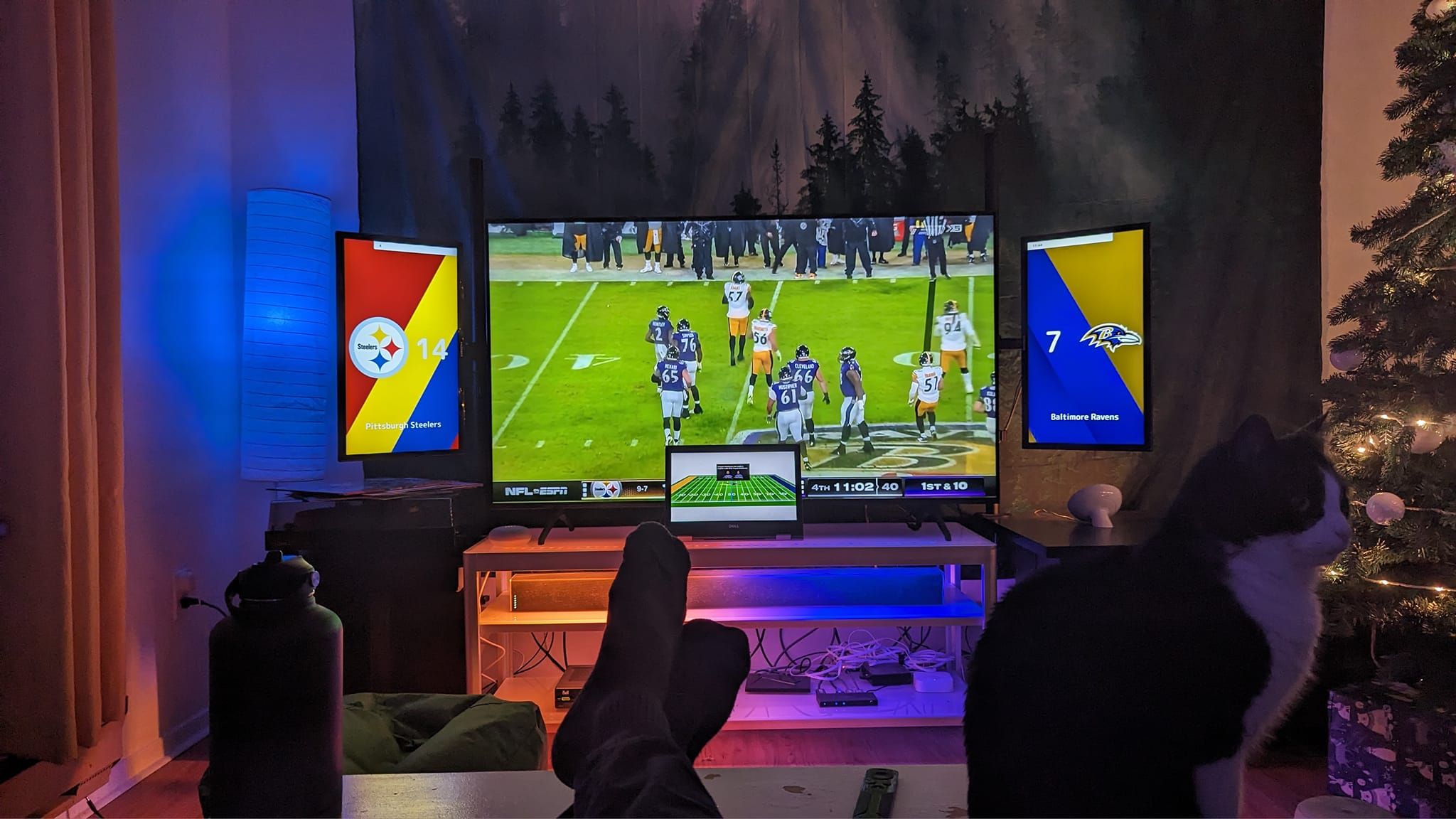
In this guide, you will learn how to display scoreboards for the NHL, NFL or any other supported leagues on any device that has a browser.
What you need
Let's start by making sure you have everything required to get started.
An additional screen
You will need at least one additional screen to display one or more scoreboards.
A device with a browser
A device with a Web browser that has enough gpu and cpu power to run scoreboards smoothly.
Some suggestions of devices to host the scoreboards
Choosing a device can be hard when you don't know what is needed. All that is required is a browser support. Although that is really it, I would recommend a device with enough gpu power and a good cpu. Scoreboards are meant to be displaying animations and they need to be able to make up for a smooth experience.
Here is a list of devices that have been tested and that gives a good experience:
How to display the scoreboard
Now that you have everything needed to create a ConnectedRoom scoreboard, you can follow the next steps to create your first scoreboard.
On your device, open devices.connectedroom.io in a Web browser.
A device code will be given to you
Follow the instructions on the screen to link the scoreboard to your account.
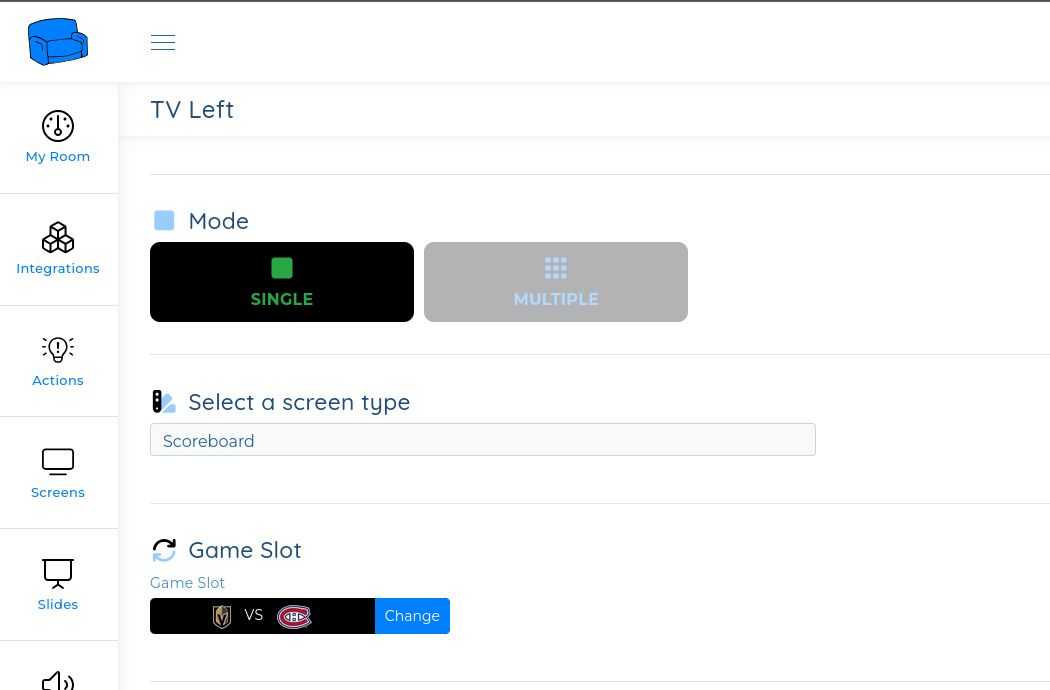
Configure your scoreboard the way you want
Voila! You have created your first scoreboard.
Create your first scoreboard now and get free trial for 2 games.
Try now for free and get 2 games for trial. Get started