Connect a Smart Plug
Written By Guillaume
Last updated 7 months ago
Here is how to connect a smart plug in ConnectedRoom
What you need
Here is what you need before you can get started:
Compatible smart plug
Have one or more smart plugs compatible with ConnectedRoom
ConnectedRoom account
Have a ConnectedRoom account with at least the Standard plan or Game Credits.
Compatible Smart Plugs
There are many brands of smart plugs that work:
GE Cync
Govee
Philips Hue (requires a bridge)
Kasa Smart
WYZE
Tuya (not recommended)
Connect your smart plug
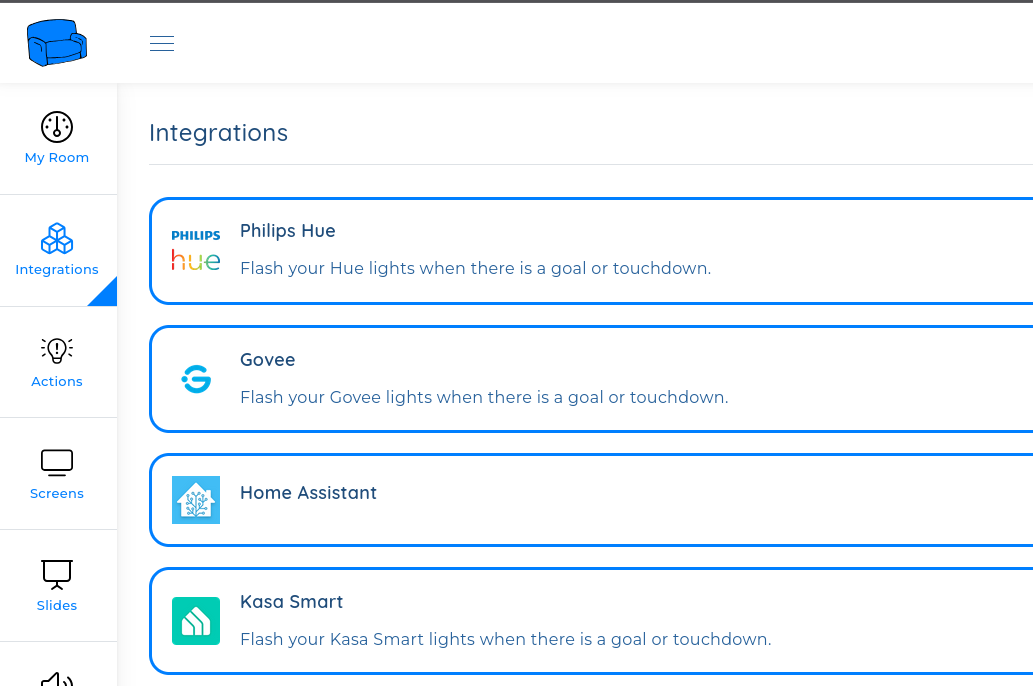
In the app, navigate to Integrations and connect the brand of your smart plug.
Create the Action
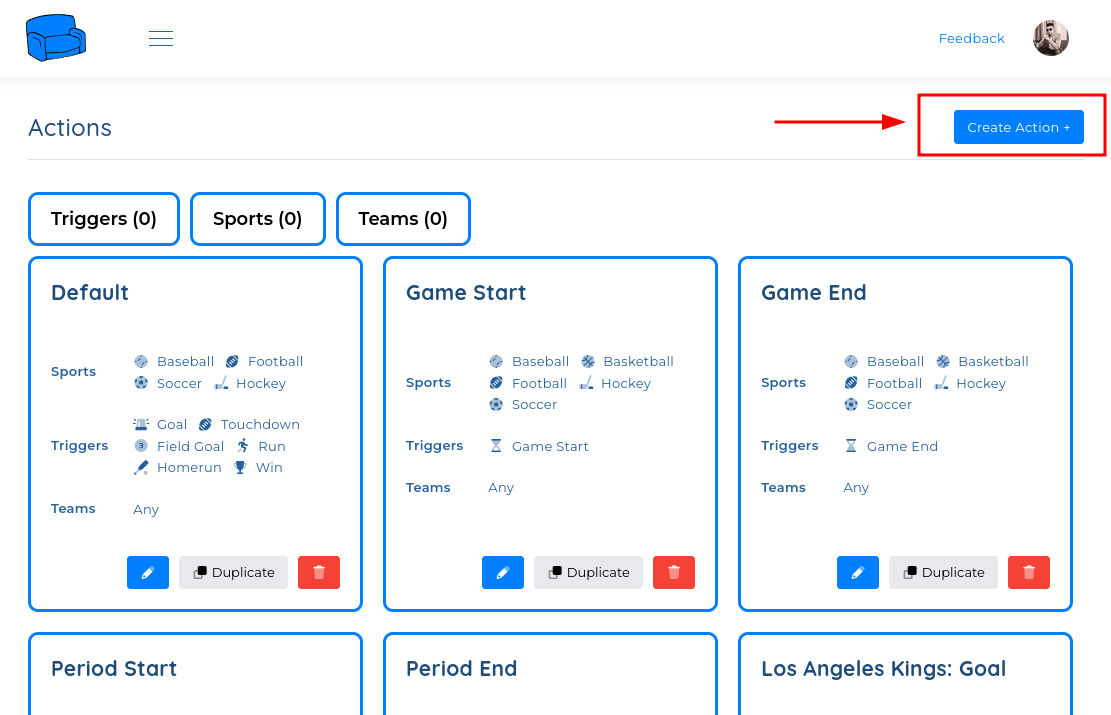
Navigate to Actions using the menu.
Configure the Action
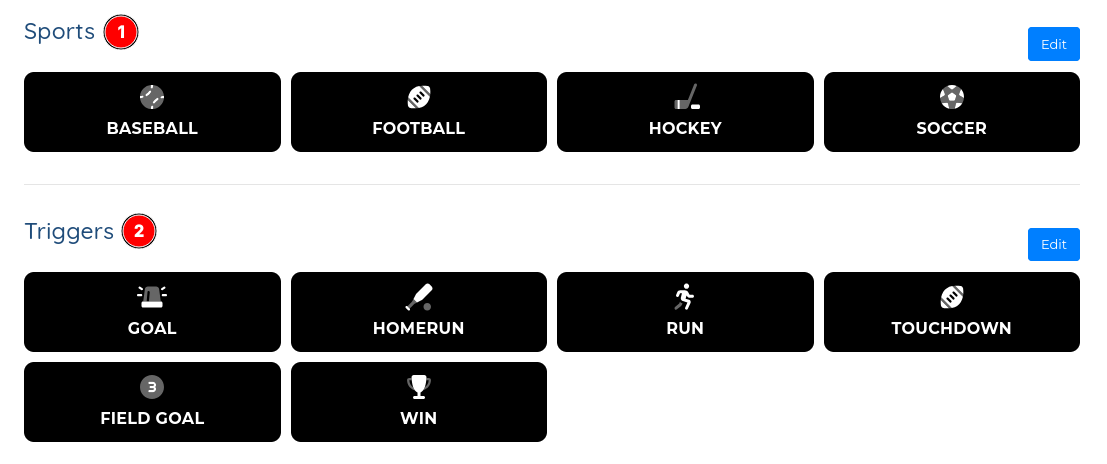
Configure the Action with the sports of your choice and the Scoring triggers of your choice.
Optional: Select a team on the action
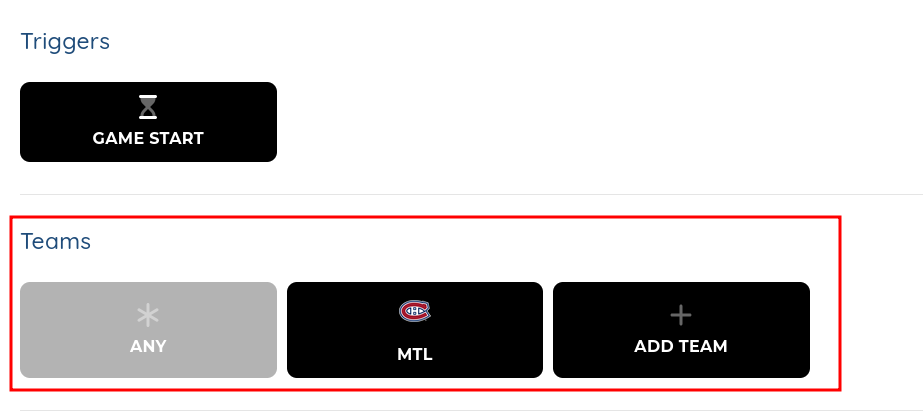
You can make the Action only execute for specific teams.
If you don’t select a Team, the action wil trigger every time a score from any team happens.
Add your smart plug to the action
You can add lights to the Action, so every score, these devices will execute a specific action.
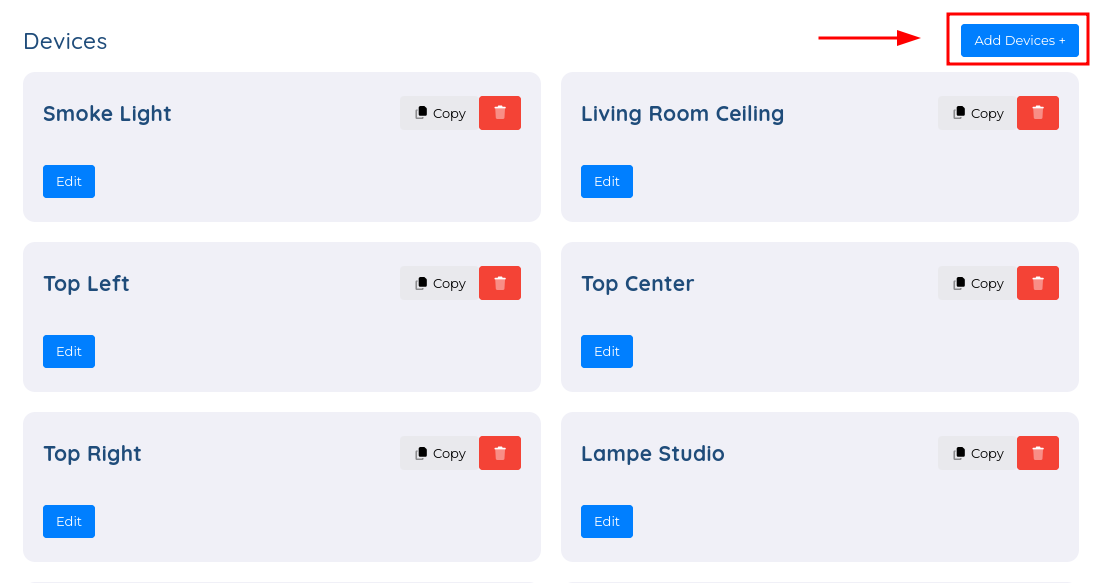
Add your smart plug by clicking Add Devices +
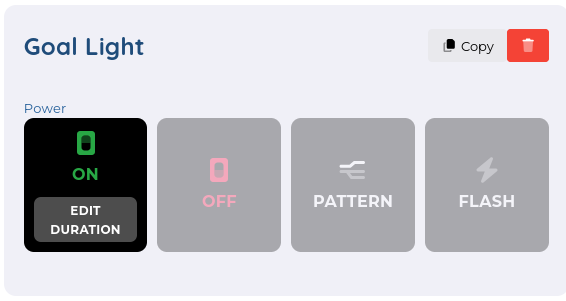
For each smart plug, you can change the Duration so it will turn on or turn off for that duration.
Was this helpful?
Still need help? Ask the team